Upscaler
Four times the pixels, drawn by a neural network in your browser.
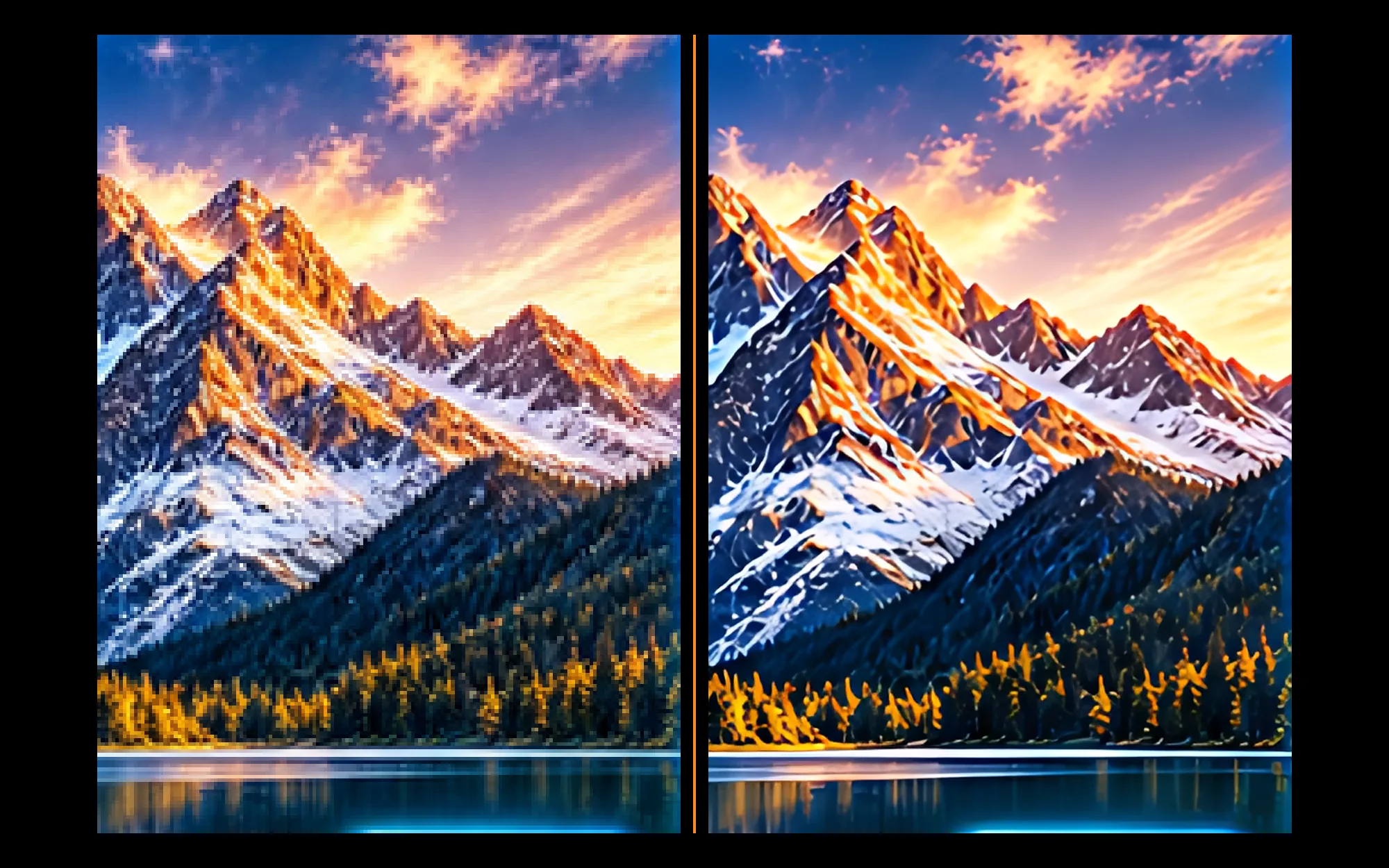
Drop a small or blurry image and get it two, three or four times larger, with the edges, textures and details a plain resize cannot make. The network is Real-ESRGAN's compact model, run on your own graphics card through WebGPU, in tiles, so any size fits. Nothing is uploaded.
- Web
- Free
- Private
- 4 times the width and the height, sixteen times the pixels
- 34 layers of 3 × 3 convolutions, 1.2 million parameters, on your GPU
- 256 pixels on the side of a tile: any image size fits in memory
- 0 bytes sent to a server
Three areas. Upscale, batch, open.
One image with every control and a before-and-after you can wipe and zoom into, many images in one go with a zip at the end, and the network itself opened up: its layers, the checkpoints, the engine your browser is using and what sits in its cache.
Upscale
Drop, choose or paste an image, pick Photo or Illustration, 2×, 3× or 4×, and how much noise to remove, then press Upscale. The result appears next to the browser's own resize with a wipe handle, side by side or alone, at fit, 100% or 200%, and a loupe compares the original pixels, the browser's resize and the network's result at any spot you click. Download as PNG, JPEG or WEBP.
Batch
Drop up to forty images and run them one after the other with the model, scale and denoise chosen in Upscale. Each row shows its progress and its result size; download them one by one or all together in a zip.
Inside
The network layer by layer, from the first convolution to the pixel shuffle; the three checkpoints and what the denoise setting blends; the engine this browser got (WebGPU, WebGL2 or the CPU), how long the last run took, and the weights in the cache, with a button to remove them.
The image stays in the tab. So does the result.
The weights are downloaded from this site and kept in your browser's cache; the image, the tiles and the result are computed on your own graphics card, in this tab, and never sent anywhere. There is no server behind the page.
- The network runs on your machine, through WebGPU or WebGL2
- No account, no upload, no server behind the model
- Downloads go straight from the page to your disk
Requirements
- Runs in
- A recent browser; WebGPU (Chrome, Edge, Safari 26) is fastest, WebGL2 works everywhere else, and without a GPU only small images run on the CPU
- Downloads
- 4.6 MB for the Photo model and 1.2 MB for Illustration, the first time; kept in the browser's cache
- Takes
- PNG, JPEG, WEBP, GIF, BMP or AVIF up to 25 MB; results up to 50 megapixels on a computer, 16 on a phone
- Account
- Not needed
- Price
- Free
Questions
Do I need to install anything?
No. The page loads the network's weights the first time you press Upscale (4.6 MB for Photo, 1.2 MB for Illustration) and keeps them in the browser's cache. The convolutions run as compute shaders through WebGPU, or as fragment shaders through WebGL2 where WebGPU is missing.
How long does it take?
On a recent laptop with WebGPU, about a second for a 1024 × 768 image at 4× (twelve tiles); WebGL2 takes two to three times as long, and a phone several times more. The image is cut into tiles of 256 × 256 pixels, so a large image takes longer but needs no more memory.
Photo or Illustration?
Photo is Real-ESRGAN's general x4v3 model, trained on photographs with the blur, noise and JPEG artifacts of the real world; it is the right choice for photos, screenshots and old scans. Illustration is the animevideov3 model, trained on anime frames: flat colors and clean lines, about twice as fast. Try both when in doubt; the loupe shows the difference.
What does Denoise do?
Real-ESRGAN ships two Photo checkpoints: one trained to smooth noise and grain away, the other to keep them. The slider blends their weights before the run, so 0% keeps every speck of the original and 100% removes it, with everything in between. Illustration has no such pair.
Why 2× and 3× when the network makes 4×?
The network always produces four times the width and height; for 2× and 3× the page resizes that result down with the browser, which keeps the detail the network drew and gives a smaller file. For more than 4×, run the result again.
Does it keep transparency?
Yes. The color goes through the network and the alpha channel is resized apart, then both are put back together; a PNG or WEBP with transparency comes out with transparency. JPEG has none, so a transparent image saved as JPEG gets a black background.
Is this the real Real-ESRGAN?
Yes: the compact models of Real-ESRGAN v0.2.5 by Xintao Wang and colleagues at Tencent ARC Lab (BSD 3-Clause license), re-exported in float16 and run by this page's own kernels. Against the original in PyTorch the output differs by at most one level of 255 on a single tile, and the tiles match the whole image to within a few levels at their seams.